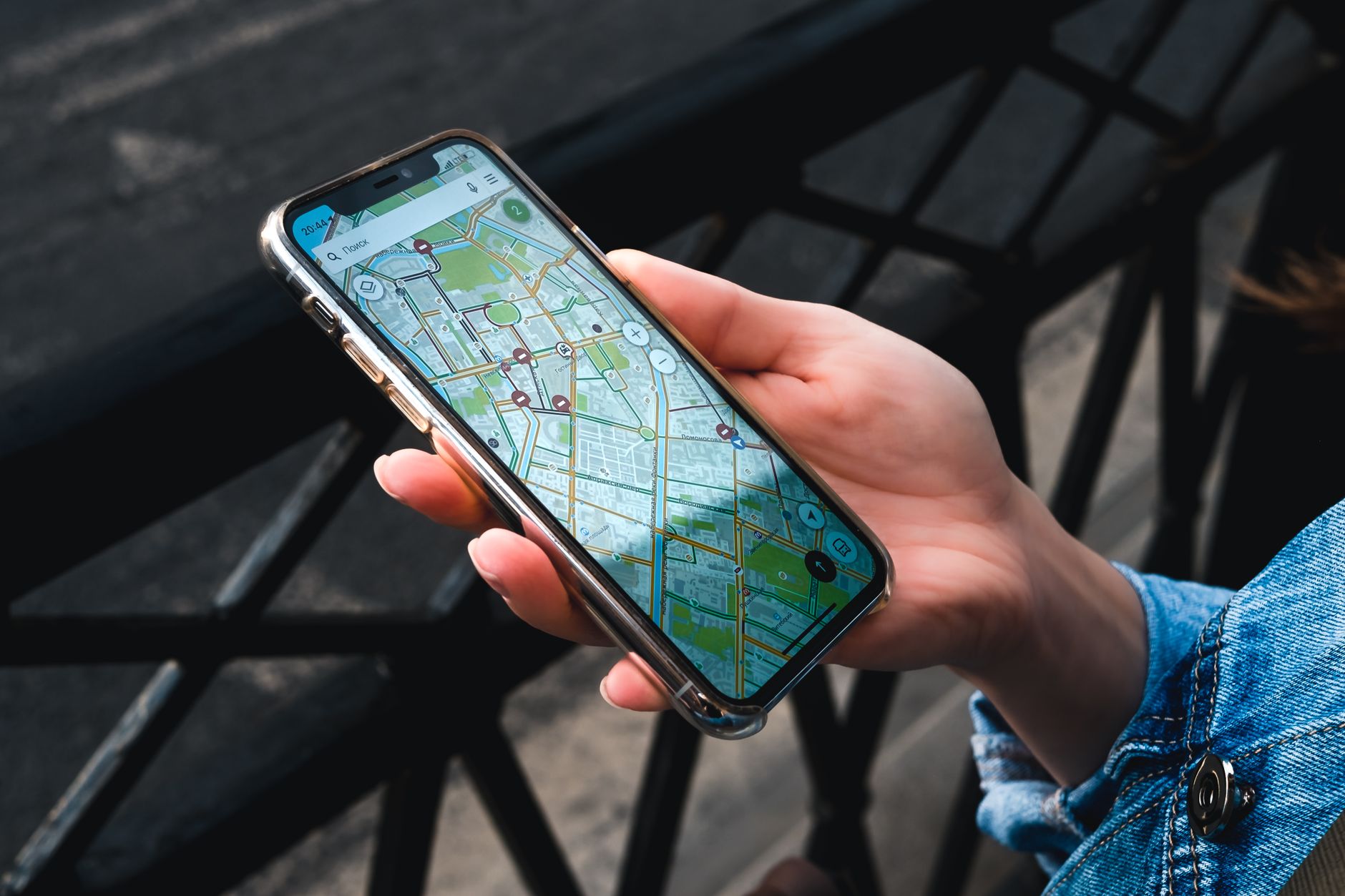
Being invisible on Google Maps is like owning a work truck with no lettering. You technically exist, but nobody driving past will ever know it.
If your business is not showing up on Google Maps, it is almost always one of five problems: an unclaimed or incomplete profile, the wrong categories, too few recent reviews, a weak website behind the profile, or business information that does not match across the web. Every one of them is fixable, and most within a month. Between them the five cover nearly every invisible profile you will ever look at, including your own. Here is how to spot and fix each.
Is your profile unclaimed or half-empty?
Start here, because it is the most common cause by a wide margin. Google will build a bare profile for a business from scraps of public data, and it ranks those unclaimed or half-finished profiles well behind complete ones. If you have never formally claimed yours, or you claimed it and stopped halfway, that alone can keep you off the map.
The fix is straightforward: claim your profile, then fill in every single field. Services, hours, service areas, a real description, and at least ten photos. Half-finished profiles nearly always stall at the same place, name and phone entered and then abandoned, and to Google that reads as a business nobody is minding. Twenty focused minutes of filling in fields is the cheapest ranking gain available in local search.
Are your categories wrong?
Your primary category is the strongest signal most owners can actually move, and it is quietly wrong on a huge number of trade businesses. "Roofing contractor" and "General contractor" rank for completely different searches, and if you picked the broad one years ago because it felt safer, you have been invisible for your actual money search ever since.
Google's own category guidelines give you the test to apply, and it is one line: pick categories on "this business IS a" rather than "this business HAS a." A roofer that also cleans gutters IS a roofing contractor and HAS gutter cleaning. The guidance also tells you to "use as few categories as possible" and to make them "as specific as possible," because Google adds the broader parent categories behind the scenes on its own. Category fixes often move a profile more than anything else you can do in an afternoon, since you are finally answering the question Google cares about most.
Do you have enough recent reviews?
Reviews feed prominence, which is one of the three factors Google names in its local ranking guidance, and recency is the half of it owners forget. BrightLocal's 2026 Local Consumer Review Survey found 74% of consumers seek reviews written in the last three months, so twelve reviews from two years ago read as an archive to most of the people checking you out, however busy you actually are.
The fix is a system, not a sticky note: a review request raised the moment a job is marked complete, drafted out of your CRM and sent by a person, so it never depends on anyone remembering at six on a Friday. Two things not to do. Do not buy them, and do not sweeten them, because Google's review policy treats "offering incentives, like free or discounted goods or services, in exchange for customers to post reviews" as prohibited fake and misleading content. This is step four of our local SEO playbook.
Is the website behind your profile weak?
People forget the map profile and the website are graded together. Google checks the site behind your profile to verify what you do and where you do it, and a one-page site that just says "quality service since 2015" gives it nothing to confirm. A proper website with real service pages and city pages lifts the map ranking right along with it.
Think of the profile and the website as one application with two halves. When the profile says "roof repair in Plano" and the website has an actual roof repair page and an actual Plano page backing it up, Google can trust both and rank both. When the site is a single thin page, it can confidently trust neither, and your map ranking pays for it.
Does your business information match across the web?
Your name, address, and phone number need to be identical everywhere they appear, right down to the suite number and whether you wrote "Street" or "St." When those details disagree across the web, Google loses confidence that any single version is correct, and it hedges by ranking you lower everywhere. The usual culprits, in the order we find them:
- The Google profile says "Suite 200" and the website footer says "Ste 200."
- An old cell number is still on Yelp because it was the number six years ago.
- The Facebook page carries a legal entity name nobody outside the accountant uses.
- A directory listing you have never logged into is running an address from a previous shop.
The fix is boring and it works. Write down one exact format for your name, address, and phone as the master version, then correct every listing to match it character for character. It is an afternoon of tedious cleanup, and it firms up the foundation under everything else on this list.
What Wing Digital does about it
A live profile audit is the first thing we do on the free fifteen-minute consultation, right there on the call, at no charge whether you hire us or not. If your fix turns out to be twenty minutes of category and field changes, we will tell you exactly that and you can go do it yourself.
Notice how few of the five are fixed inside the profile alone. The rest reach past it: the website behind it, the reviews coming in, and the information sitting on every other site that mentions you. That is why Wing Digital builds and runs the whole online presence for a DFW business rather than one piece of it: the search ranking, the website with the real service and city pages Google checks, the content, the outreach list, and the CRM that answers a new lead in minutes and asks for the review when the job is finished.
Month to month, no contract. Either way you leave the call knowing precisely why you were invisible and what it takes to fix it, which beats guessing at it for another six months.